Claude –continue: The Feature That Stops Claude Code From “Starting Over” Every Time
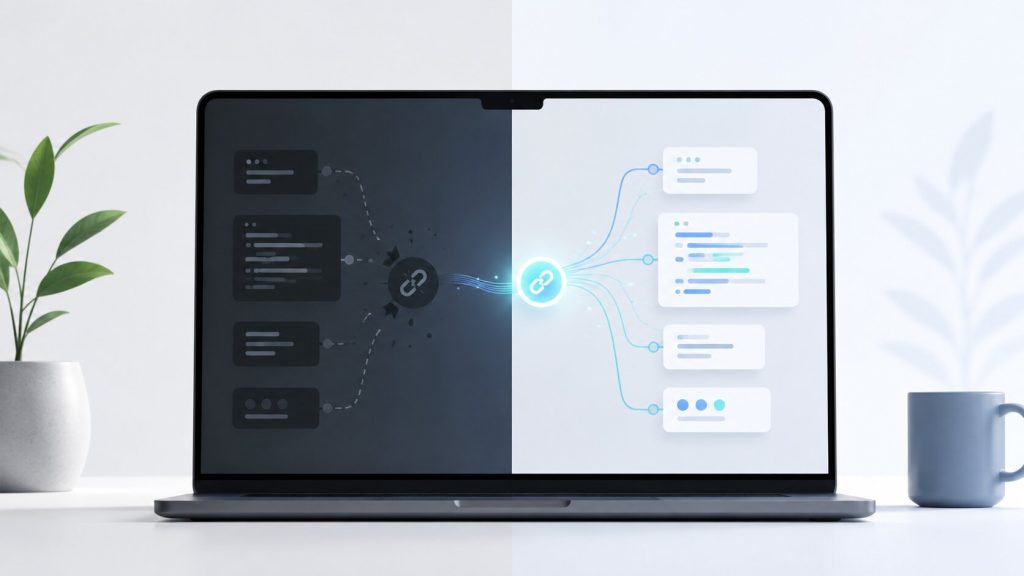
If you use Claude Code every day for real development work, you’ve probably experienced this frustration:
- You close the terminal
- Your laptop reboots
- Your SSH session dies
- VS Code crashes
- Cursor decides today is not the day
You reopen everything… and Claude suddenly behaves like it has never seen your project before.
“Tell me more about your project…”
Meanwhile, you’re sitting there re-explaining:
- where the backend lives
- how the Docker setup works
- which legacy modules must not be touched
- why the database schema looks cursed
- which APIs are already integrated
- what was already fixed yesterday
Good news: there’s a much better way to work with Claude Code.
Table of Contents
- Why Claude Feels Like It Forgets Everything
- The Hidden Feature Most People Miss
- What
claude --continueActually Does - Why This Matters for Real Development Work
- How to Use
claude --continue - What Changes After You Start Using It
- Important Limitations You Should Know
- My Recommended Workflow
- Final Thoughts
Why Claude Feels Like It Forgets Everything
Claude Code sessions are heavily context-driven.
That’s great when you’re deep into a task. The model gradually learns:
- your architecture
- project conventions
- coding style
- technical constraints
- deployment structure
- what already happened in the session
But the moment the session disappears, it can feel like the AI has suffered complete memory loss.
On small throwaway tasks, this isn’t a huge problem.
On real-world projects though? It becomes incredibly expensive in terms of:
- time
- focus
- token usage
- mental energy
Especially when working on larger systems like:
- WordPress platforms
- Shopify custom builds
- Symfony applications
- Laravel backends
- Docker-based environments
- legacy enterprise systems
- CRM integrations
- SEO-heavy web projects
The Hidden Feature Most People Miss
Claude Code includes a surprisingly useful command that many developers still don’t use:
claude --continue
Simple.
But honestly, it changes the entire experience.
What claude --continue Actually Does
Instead of launching a completely fresh session, Claude attempts to continue the previous one.
That means it can retain awareness of:
- your recent conversation
- the current task
- the structure of the project
- previous fixes and decisions
- the direction of the work
So instead of this:
“Can you explain your project structure?”
You get something closer to:
“Let’s continue fixing the queue processing issue in the billing module.”
That’s a massive difference when working on long engineering tasks.
Why This Matters for Real Development Work
Most AI demos online focus on tiny isolated examples.
Real development work is different.
You’re often dealing with:
- multi-day debugging sessions
- large refactors
- SEO migrations
- production issues
- technical debt
- API integrations
- legacy code nobody wants to touch
Claude performs dramatically better once it accumulates enough context.
When that context disappears, productivity drops immediately.
In practice, claude --continue helps Claude feel much closer to a persistent engineering assistant instead of a stateless chatbot.
How to Use claude --continue
Standard launch:
claude
Resume your previous session:
claude --continue
Depending on your setup, Claude may also show a list of recent sessions so you can choose which one to restore.
This is especially useful if you:
- work across multiple repositories
- use SSH heavily
- develop on remote servers
- switch between projects frequently
- use tmux or screen sessions
What Changes After You Start Using It
Once you start relying on --continue, your workflow feels noticeably smoother.
You spend far less time:
- rewriting prompts
- re-explaining architecture
- copy-pasting old context
- reminding Claude what happened yesterday
On longer projects, this becomes one of those “I can’t go back” features.
Especially when Claude is integrated into your daily workflow rather than used as a novelty tool.
Important Limitations You Should Know
To be clear: claude --continue is not magical infinite memory.
Sometimes Claude will still:
- forget details
- mix things up
- lose track of older constraints
- drift after extremely long sessions
That’s why good engineering practices still matter.
You’ll get much better results if your projects include:
- clear README files
- architecture notes
- AI instruction documents
- consistent folder structures
- well-defined workflows
The cleaner the environment, the better Claude performs over time.
My Recommended Workflow
If you’re using Claude Code seriously for production work, I’d strongly recommend:
- using
tmuxorscreen - keeping AI instructions inside the repository
- maintaining architecture notes in Markdown files
- documenting important constraints
- splitting huge tasks into smaller chunks
- avoiding massive chaotic sessions with hundreds of unrelated messages
The developers getting the best results from AI tools right now are usually the ones treating AI like a very fast engineering assistant — not magic.
That mindset changes everything.
Final Thoughts
claude --continue looks like a tiny CLI feature.
In reality, it solves one of the biggest frustrations people have with AI-assisted development: losing momentum every time a session ends.
And once you start working on real production systems with Claude Code, that momentum matters a lot more than most people realise.